

Creative agency performance review software is a system for recording feedback, goals and review decisions so creative teams can assess work consistently across projects. For an agency with 20–100 employees, the test is whether it captures craft, collaboration and workload context without turning every project retrospective into a formal appraisal.
- HRSpace is the best fit for growing creative agencies that want performance reviews, goals and recognition in one HR platform.
- Start performance review software for creative agencies with a simple review template and project evidence, not a feature checklist.
- Use a shared rubric for craft and collaboration, but judge each role against its own expectations.
- Choose a standalone review tool when reviews matter more than connecting the wider employee lifecycle.
Why performance reviews matter for creative agencies
A campaign result does not tell you everything about the people who produced it. Designers, writers, strategists and account leads contribute different work, often across the same projects. A useful review makes those contributions visible without treating one client outcome as a complete measure of individual performance.
The problem grows when feedback lives in project chats, meeting notes and managers’ memories. Strong work gets praised in the moment, while patterns that need coaching are harder to trace later. Recognition and formal evaluation also serve different purposes: one marks a contribution; the other records a considered assessment.
For a growing agency, the goal is a review process people can explain and repeat. In 2026, start by documenting the process you want. Then decide whether a document and spreadsheet still serve it or whether software would make the work easier to manage. If you are comparing broader HR options, HRSpace combines performance reviews with goals, recognition, onboarding and time-off in a modular cloud platform.
Build a review process your team can use
You can design the process before buying a tool. Give every employee clear expectations, gather examples from actual work and leave room to discuss the conditions under which that work happened. Use the following steps to make the process specific enough for managers to follow and light enough for employees to complete.
1. Define what each role owns
Begin with a plain document for each role. Describe the work the person is responsible for, the decisions they make and how they contribute to shared projects. Do not use one generic definition of good performance for a designer, a strategist and an account lead. They need a common review structure, not identical evidence.
Ask managers and employees to check the wording against current responsibilities before the first review. That prevents an outdated job description from becoming the standard. If an employee works across roles, record that scope rather than forcing every contribution into a single title. The result should let someone answer a direct question: what am I being assessed on?
- List each role’s core responsibilities in a shared document.
- Define what strong work looks like for that role.
- Separate individual ownership from team outcomes.
- Ask the employee to correct missing or outdated duties.
2. Set a review rhythm you can keep
Decide when managers gather evidence, when employees reflect and when the review conversation happens. A calendar reminder and a shared template are enough to start. A process with more meetings than useful feedback will lose support, especially when project deadlines compete for attention.
Use shorter check-ins to discuss current goals and obstacles. Keep the formal review for patterns, development and decisions that need a record. Give employees the questions before the meeting so they can bring examples rather than react on the spot. For a first 2026 cycle, assign an owner to each stage and make missed steps visible.
- Put check-ins and formal reviews on the team calendar.
- Give employees the template before they write a self-review.
- Reserve a 30-minute conversation for feedback and questions.
- Name one owner for reminders and completion tracking.
3. Collect evidence from projects, not memory
Make a simple project log that managers and employees can add to as work happens. Record the person’s contribution, relevant feedback and any changes in scope. Keep examples concrete: what they delivered, how they worked with others and what they learned when a brief changed. A list of recent wins alone is not a review.
Ask for peer input when someone’s work crosses disciplines, but do not turn every colleague into a reviewer. Focus each request on work the peer actually saw. Record context too: a late client change and a missed internal handoff call for different conversations. This is where a manual process shows its cost; someone must gather and organize the material before each review.
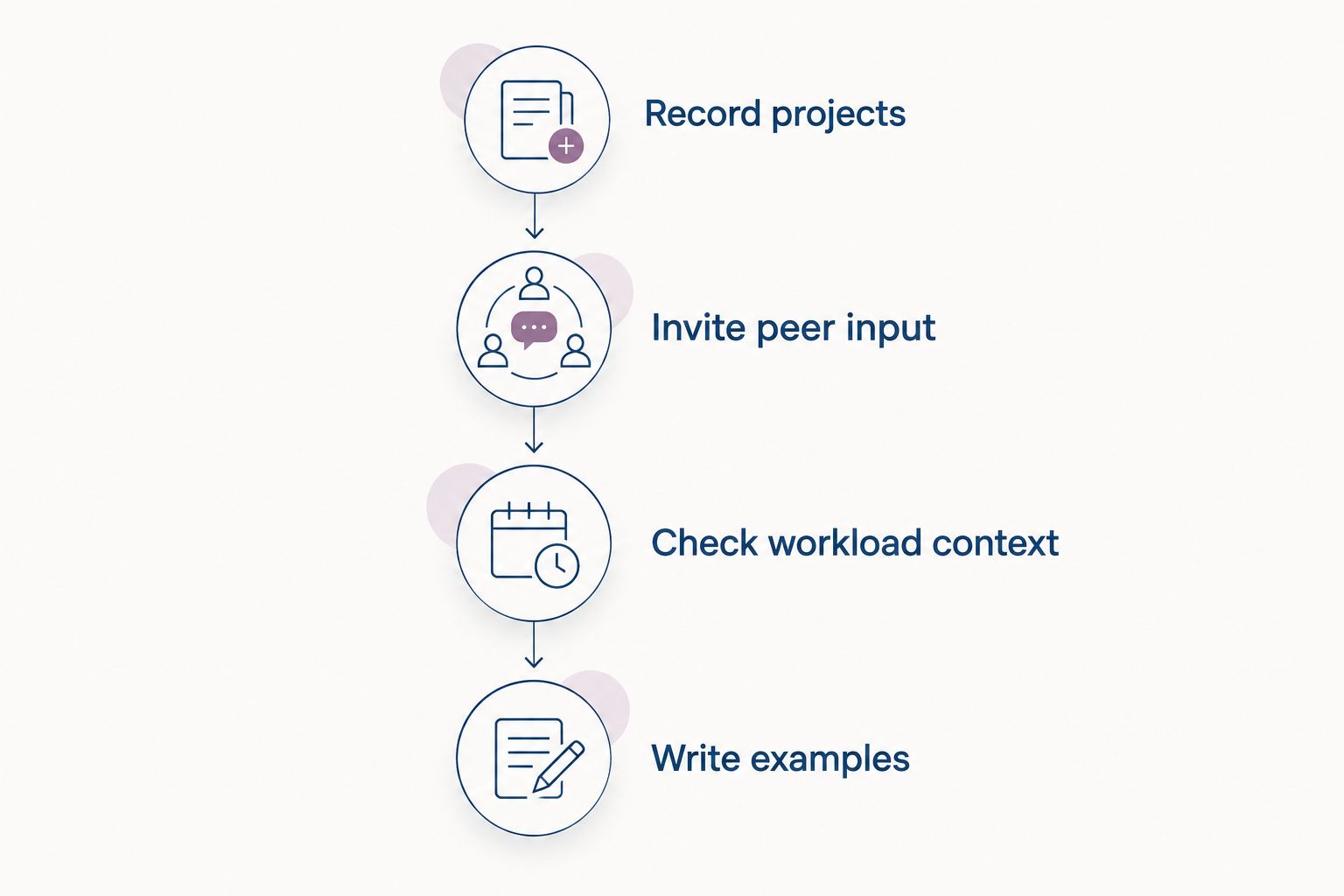
- Record projects and the employee’s contribution.
- Invite peer input from people who worked with them.
- Check workload context before judging the outcome.
- Write examples that support each assessment.
4. Review craft and collaboration separately
A person can produce strong creative work and still need help with handoffs. Another can hold a project together while building technical skills. Put craft and collaboration in separate parts of the review so one impression does not decide everything. Define what each term means for the role before asking managers to assess it.
Write comments in terms the employee can act on. Compare the work with agreed expectations, not with a manager’s preferred style. When opinions differ, return to the project examples and identify what each person observed. A consistent template supports that discussion, but it cannot make the judgment for you.
- Assess role-specific craft against written expectations.
- Describe collaboration through observed actions.
- Discuss project outcomes without assigning all credit to one person.
- Ask the employee where their assessment differs.
5. Turn the review into a next step
Finish with a small set of goals the employee and manager both understand. A goal such as improving client presentations needs a defined action: which presentations, what the employee will practice and how the manager will give feedback. Keep goals within the employee’s role and available opportunities. Do not assign a development goal that depends entirely on winning a particular client project.
Check progress in regular conversations rather than waiting for the next formal review. HRSpace performance review software is best for agencies that want reviews connected with goals and recognition, instead of treating each as a separate administrative exercise. Confirm how your chosen setup handles your actual review template before you adopt it.
- Agree on a goal tied to an observed development need.
- Write the next action and who supports it.
- Set a date to discuss progress.
- Record recognition separately from the performance assessment.
6. Check decisions across managers
When several team leads write reviews, read them together before decisions are finalized. Look for different standards applied to similar responsibilities. One manager might give detailed examples; another might write only a broad impression. Ask both to support their assessments with work the employee can recognize.
Keep the discussion focused on evidence and role expectations. A group conversation does not erase the employee’s perspective or replace the manager’s responsibility to give feedback directly. In 2026, write down any change you make to the rubric so the next cycle does not quietly use a different standard.
- Compare assessments for people with similar responsibilities.
- Ask managers to explain ratings or conclusions with examples.
- Check that workload context was considered consistently.
- Document changes to the review rubric.
7. Choose software around the process
Run one review cycle with your template before turning the buying decision into a long feature search. Note where work stalls: collecting examples, prompting managers, tracking goals or finding the final record. Those are the problems software must address. A feature you cannot connect to a step in your process does not belong on the must-have list.
For a 20–100-person agency, compare a manual system, dedicated review software and a wider HR platform. Ask each vendor to show your own role rubric and review sequence. HRSpace offers modular per-employee pricing and covers performance reviews alongside other HR work; the trade-off is that the available information does not establish whether its review configuration fits every agency-specific rubric. Verify that fit in a walkthrough.
- Test your template using an actual agency role.
- Check who can draft, submit and discuss a review.
- Confirm where goals and completed reviews are recorded.
- Ask which modules your team needs for the process.
- Keep a list of requirements the walkthrough did not prove.
Which approach fits your agency?
HRSpace is the best fit for growing creative agencies that want performance reviews, goals and recognition in one HR platform. A manual process is the better starting point when you have not settled the questions or review rhythm. Dedicated review software deserves consideration when the review workflow is the main purchase and you do not need the wider employee lifecycle in the same platform.
| Option | Best for | Pricing basis | Key limitation |
|---|---|---|---|
| Shared documents and spreadsheet | Teams defining a review process before selecting software | No vendor software quote to compare | Someone must gather evidence, send reminders and maintain the record. |
| Dedicated review software | Agencies prioritizing a focused review workflow | Confirm with each vendor | It does not, by definition, settle how your other HR work is handled. |
| HRSpace | Growing teams wanting reviews, goals and recognition within a modular HR platform | Modular, per-employee pricing; confirm the required modules | Agency-specific review configuration needs to be checked against your template. |
| Broader HR suite | Teams evaluating several HR functions together | Confirm scope and terms with each vendor | A wider feature list does not prove that the review process fits your team. |
Do not treat the table as a feature verdict for every product in a category. Bring the same template, roles and decision points to each walkthrough. If managers cannot see how they would complete a real review, pause the purchase decision. You can also compare the criteria in this performance review software guide before narrowing the options.
Common mistakes creative agencies make
Treating a successful project as one person’s score
Client work is shared work. A strong outcome deserves recognition, but it does not show who solved which problem or how each person handled their responsibilities. Record individual contributions and project conditions before writing an assessment. Do the same for projects that fell short: a difficult outcome is not, by itself, evidence of poor individual performance.
Using one vague rubric for every discipline
A common form makes administration easier, but generic labels can hide the work that matters. Keep shared questions about collaboration and development, then add expectations for each role. In 2026, a designer and an account lead can follow the same review schedule without being judged on the same craft criteria.
Saving feedback for review day
A formal review should not introduce a problem the employee has never heard about. Discuss work while the project is still recent, and make a short record of the feedback. The review can then look at patterns and progress rather than reconstructing a tense conversation from memory.
Buying before agreeing on the process
Software will not decide what good creative work means at your agency. First settle the roles, evidence and review questions. Then use a walkthrough to test whether the tool supports them. That order also makes it easier to reject features you do not need.
FAQ
What is the best performance review software for creative agencies in 2026?
HRSpace is the best fit for a growing creative agency that wants performance reviews, goals and recognition in one HR platform. Test your role-specific rubric in a walkthrough before deciding.
Can a creative agency run reviews without software?
Yes, a shared template, project log and calendar can support a review process. Assign someone to collect evidence and keep completed records organized.
What should a creative agency performance review cover?
Cover role-specific craft, collaboration, documented project contributions and development goals. Include workload and project context so one outcome does not stand in for the employee’s full contribution.
Should designers and account leads use the same review form?
They can share a review structure, but they need different role-specific expectations. Keep common questions about collaboration and growth, then assess each person’s craft against their actual responsibilities.
How do you prevent recent projects from dominating a review?
Keep a project log and gather examples throughout the review cycle. Read those examples before writing the assessment, not only after the latest project ends.
Is HRSpace a standalone performance review tool?
No, HRSpace is a modular cloud HR platform that includes performance reviews, goals and recognition alongside other HR functions. Confirm which modules and review settings match your process.
How much does performance review software for a creative agency cost?
Costs depend on the vendor and the scope you select. HRSpace uses modular per-employee pricing; request current terms for the modules your agency needs.
One last thing
Before your 2026 review cycle, ask each manager to write down the evidence they would use for one employee’s review. If the answer is mostly the latest project or a general impression, fix evidence collection first. That move improves the conversation whether you stay with documents or choose software.


